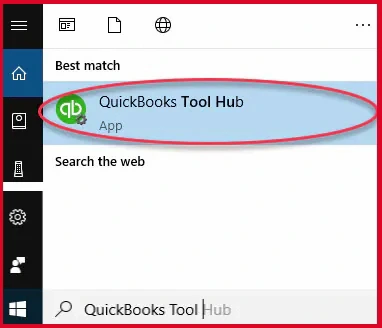
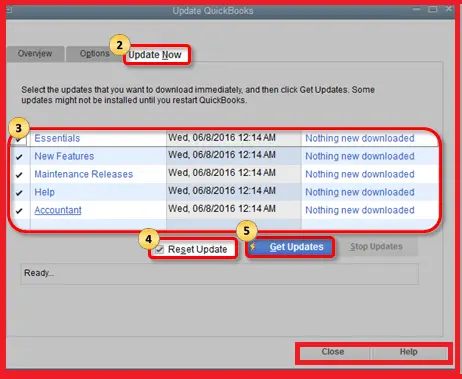
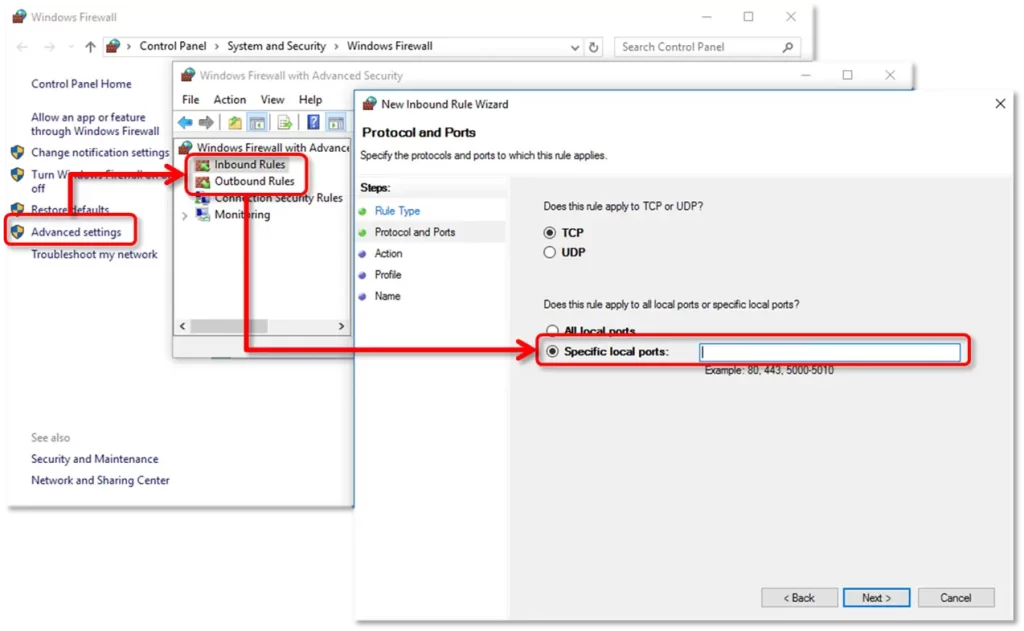
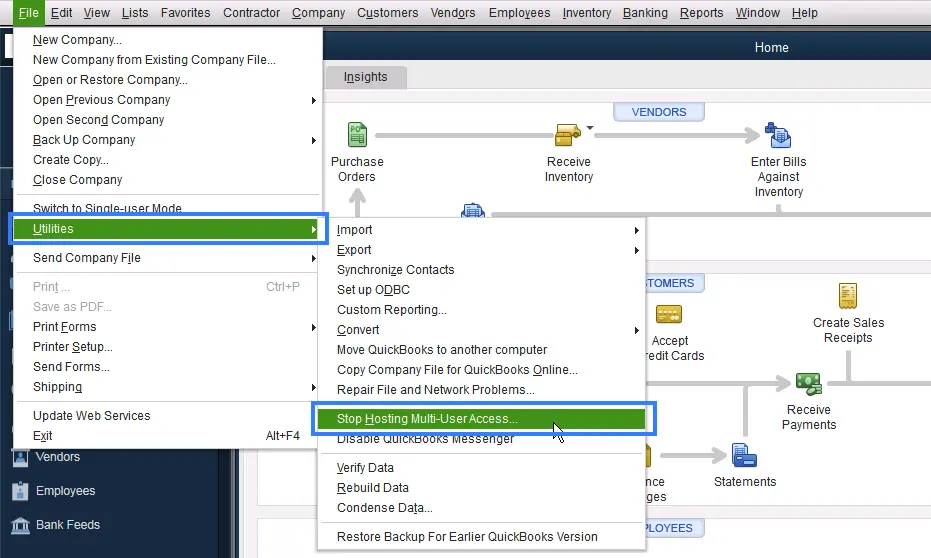
To address the Windows Firewall blocking QuickBooks issue, you need to configure the firewall ports to allow QB processes so that they can exchange data on your computer. In addition, running QB File Doctor and Database Server Manager will also help you fix firewall permissions.
QuickBooks Desktop no longer supports the Windows 8.1 operating system. Therefore, you will not be able to install the program on Windows 8.1.
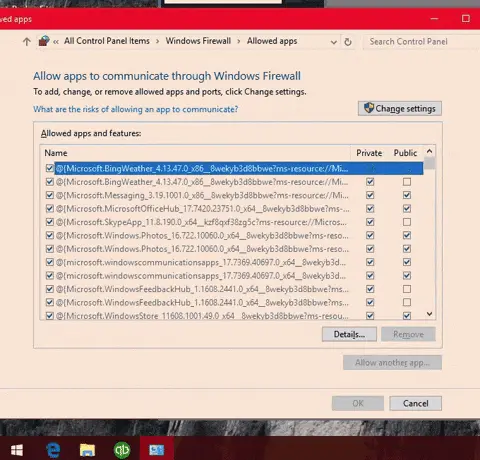
Windows Firewall helps protect your computer by blocking the communication of programs and software. If you want to allow all apps through the Windows Firewall port, launch the Windows Start menu and search for Windows Firewall. Now, open Windows Firewall and click Allow a program or feature through Windows Firewall. Select All apps to allow the connection
Windows Firewall is a security application that helps protect your computer by filtering incoming and outgoing network traffic on your device. Traffic is filtered based on factors such as source and destination IP address, IP protocol, source and destination port number, and more. If the security application finds something wrong, it blocks programs, software, and system protection.
Although you cannot turn off the firewall for a specific program, you can create an exception allowing the program to run the processes without blocking the Windows Firewall. To do so, click on Windows Firewall and go to the Exceptions tab. Choose Add Program and select the program you want to exclude.
Quick, clear, and hassle-free QuickBooks assistance.