Fix QuickBooks Error 6000 80 and Get Your Bonus Tips Ready
Oct 7, 2025
Admin |
Estimated Read Time : 5 MIN
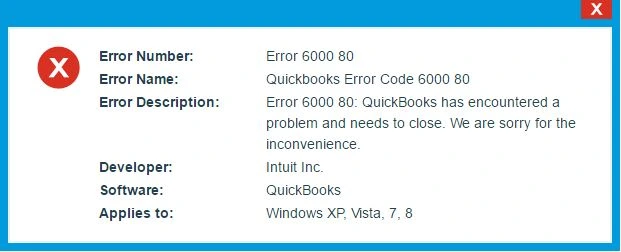
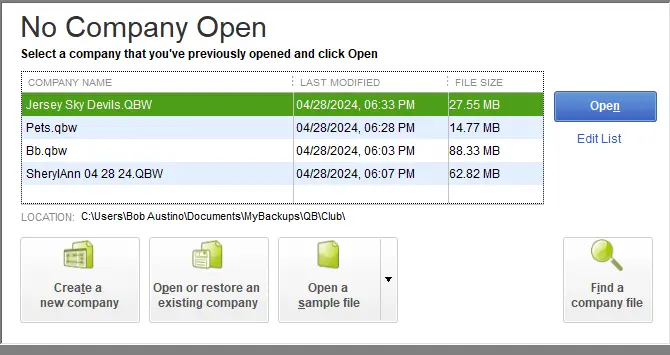
QuickBooks Error 6000 -80 occurs when you are trying to open your company file, and it is not opening due to a file location issue or a corrupt file. This is the error of the QB 6000 series and requires you to understand what exactly the issue is.
The error 6000 -80 code points to data corruption, or an insufficient permission, or you may be using an outdated QuickBooks application. It also includes more reasons that we will be discussing further.
You must have understood a bit about why QB error code 6000 80 occurs. Now, let’s gain some understanding of the causes behind the error.
Save the downloaded file in an easy-to-reach folder.
Launch the downloaded file QuickBooksToolHub.exe.
To install the application, proceed with the on-screen instructions.
Agree to their Terms and Conditions.
Once the installation is finished, double-click on the Tool hub’s icon on your Windows desktop and open it.
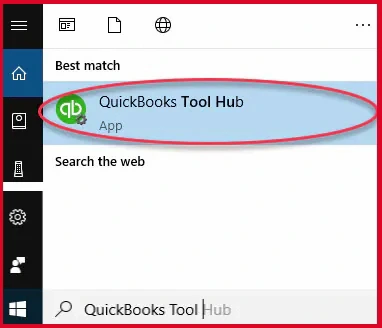
Note:- If your desktop does not have the icon, use the search option and type QuickBooks Tool Hub. It will appear as shown in the image below, and click on the program.
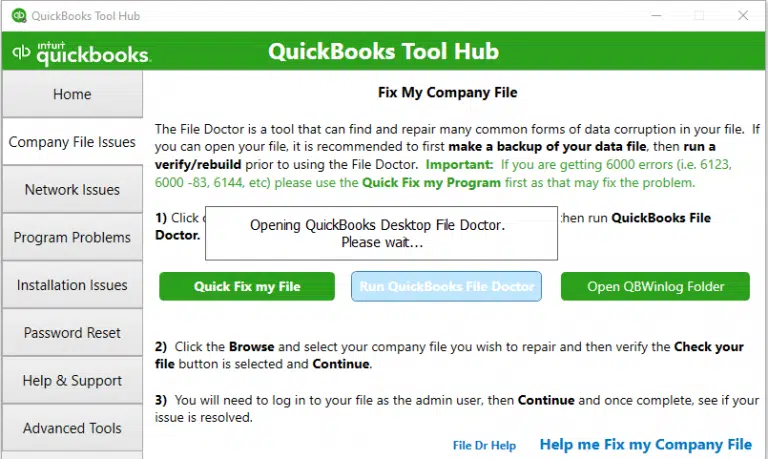
Select the company File Issues tab from the tool hub window.
Click on Run QuickBooks File Doctor.
Note:- The File doctor may take one minute to open.
In the QuickBooks file doctor, choose your company file. In any case, if the file is not within the drop-down menu, use the Browse and search option to fetch your file.
Click Check your file and hit Continue.
Now, enter the QuickBooks admin password.
Click Next.
Solution 2: Rename.ND and TLG Files
TLG and ND files that are a part of your company files let you access the QuickBooks company file in both the Network and multi-user mode. When these files get damaged, you see such an error while opening your QuickBooks company file.
So, we will rename these files to fix the error code 6000, -80. QuickBooks creates these files when the user scans it with the QuickBooks Database Server Manager.
Rename the Transactions Log file (.TLG) and Network Data (.ND) file
Open the folder containing your company file.
Search for the files with the same file name as the company files. Ensure to search with the extension .TLG and ND.
company_file.qbw.nd
company_file.qbw.tlg
Now, right-click on each of the files and click on Rename. Simply add an extension OLD in each file name. For example, you rename your file as company_file.qbw.nd.OLD.
Browse the file .qbw. Right-click on it and copy the file.
Now, open the new folder that was created and paste the .qbw file into it.
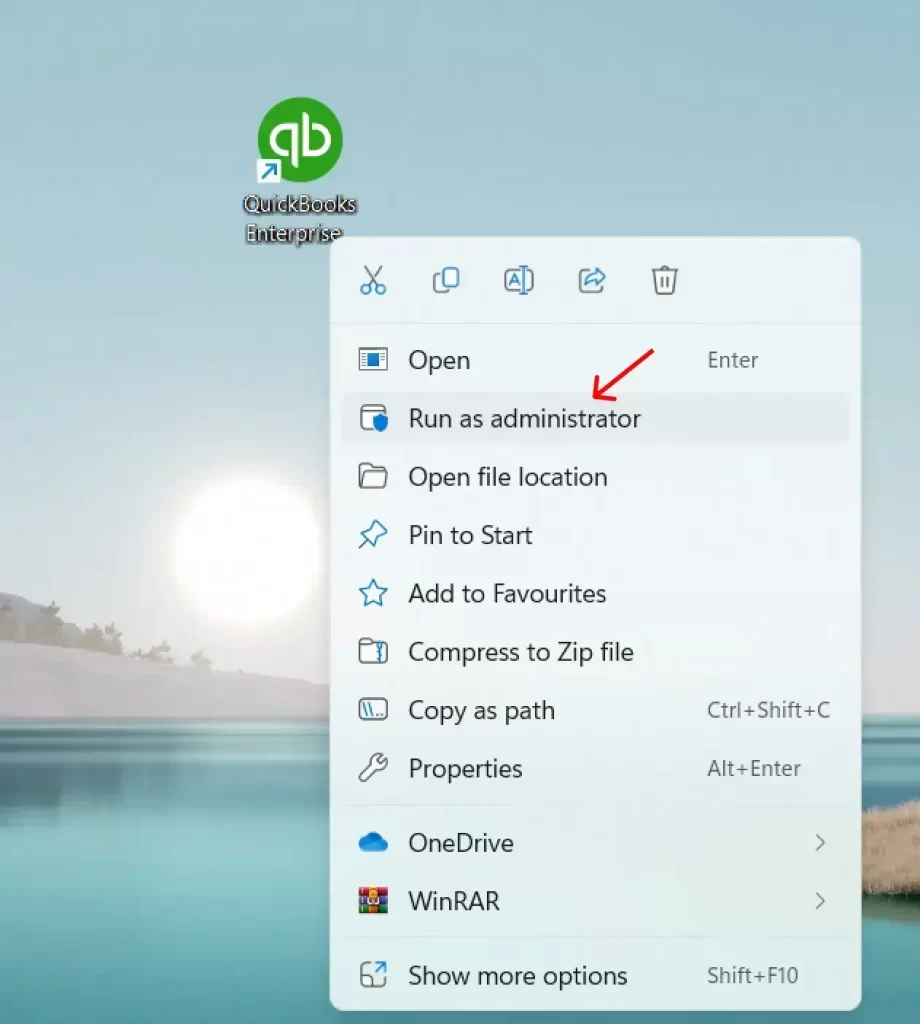
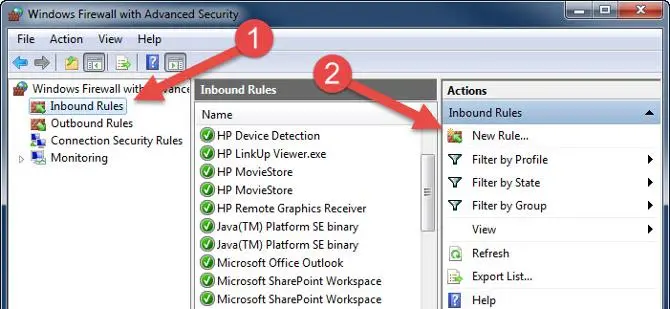
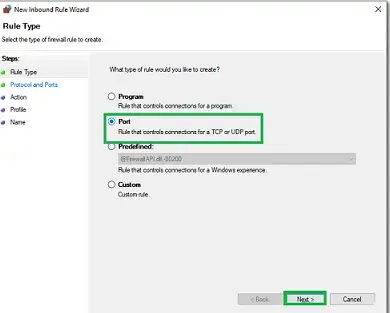
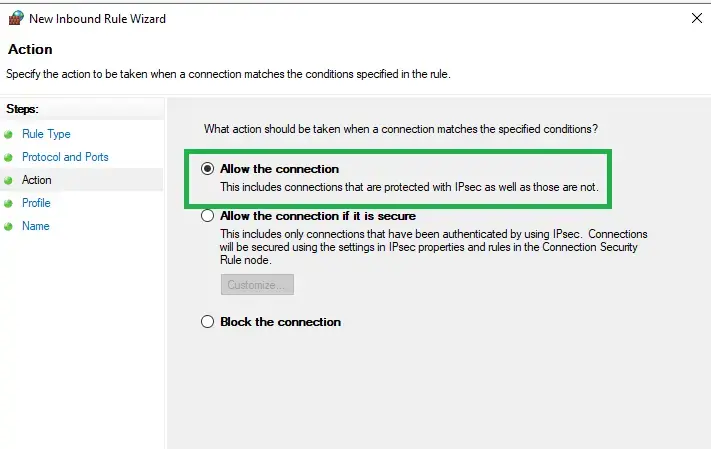
To share your company files, set Windows access permissions.
Launch QuickBooks Desktop.
Open the company file from the new folder location.
Bonus Tips to Avoid QuickBooks Error Code 6000, -80 in the Future
Save the company file in an easy-to-reach folder.
Ensure to keep the QuickBooks Tool Hub active for background common error fix.
Make sure to configure the correct host settings.
Use QuickBooks File Doctor to fix any company file issues as a priority.
If you find that the error is not resolved, immediately contact a QuickBooks specialist at +1(866)500-0076.
Conclusion
This error can happen to any QuickBooks user. However, understanding the causes behind the QuickBooks Error 6000 80 may help you proactively avoid it further. With such errors, you may lose your company data, so it is recommended to contact a senior QuickBooks specialist at +1(866)500-0076.
Not only will the experts resolve the error, but they will also give an overview of how to get along well with QuickBooks.
Frequently Asked Questions
What is QuickBooks Error 6000, -80?
When the error 6000, -80 occurs, it means there can be any issue from the list that includes file location issues, corrupt company files, hosting configuration, and more.
Can I lose my company data due to an error in QuickBooks 6000?
There is a chance that you may lose your QuickBooks company data if you force the resolution with repeated steps or attempts. In such cases, you need to contact a QuickBooks expert.
Where should I contact to reach QuickBooks professionals?
If you want to get a quick fix of the error code 6000, -80 in QuickBooks, or you do not want to lose data of your company file, contact a senior QuickBooks specialist at **********.
About The Author
Lana Creston is an experienced technical and accounting writer with a total of 9 years of experience. She currently works on QuickBooks accounting and technical guides at QuickBookSupportNet. Lana has a passion for reading and writing about various technical topics, especially exploring new accounting methods and software, while continuously expanding her expertise in the ever-evolving field of finance and technology.
Effortlessly handle data tasks or get expert assistance with: